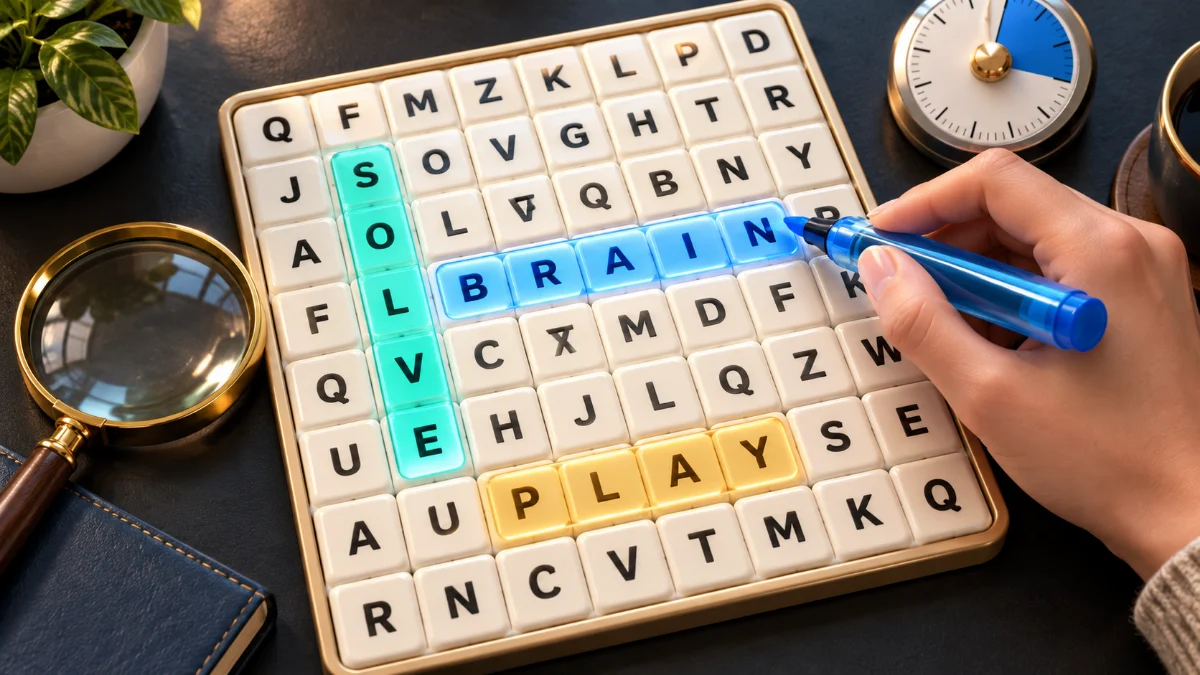
A useful word search strategy gives you a clear next step when staring at the grid stops helping. Pick one word, check its spelling, and inspect every possible starting letter in a consistent order. Once you see a possible match, follow one straight direction to the end. Do not change direction halfway through.
This guide includes a small practice grid and a checklist for the word that refuses to appear. You can use the method on paper or in our free word search puzzle game. Start without a timer so you can concentrate on the process.
Themes and word lists
Choose from 12 themes plus Mixed themes in English, French or Arabic. The current source lists contain 619 English, 1,234 French and 1,122 Arabic category entries. These are not unique-word counts: a word may appear in more than one theme. Mixed combines the eight general themes with duplicates removed, while the four children’s lists remain separate. Each puzzle selects only the words that fit its settings; it does not display the whole bank at once.
Check the rules before searching
Not every puzzle allows the same directions. Read its instructions before spending time looking for a diagonal that cannot exist. Grid size and difficulty are separate settings. The size determines how many words you look for; difficulty determines the allowed directions. A larger grid does not automatically use harder directions.
In our game, the settings work like this:
| Level | Grid | Words to find | Allowed placement |
|---|---|---|---|
| Easy | 8 × 8, 10 × 10 or 12 × 12 | 6, 8 or 10 by size | Right or down in English and French |
| Medium | 8 × 8, 10 × 10 or 12 × 12 | 6, 8 or 10 by size | Right, down and downward diagonals in English and French |
| Hard | 8 × 8, 10 × 10 or 12 × 12 | 6, 8 or 10 by size | All eight directions, including backwards |
Arabic Easy places words to the left or down; Arabic Medium also adds downward diagonals. Letters can be shared by several answers. A word already highlighted is therefore not an area you should exclude from future searches.
Choose the difficulty buttons separately from the grid-size buttons. For example, Easy with 12 × 12 gives you ten words without diagonal or backwards placements. To continue an unfinished puzzle saved in this browser, use Resume puzzle beside New puzzle. Changing the setup buttons alone does not replace that saved grid; starting a new puzzle requires confirmation.
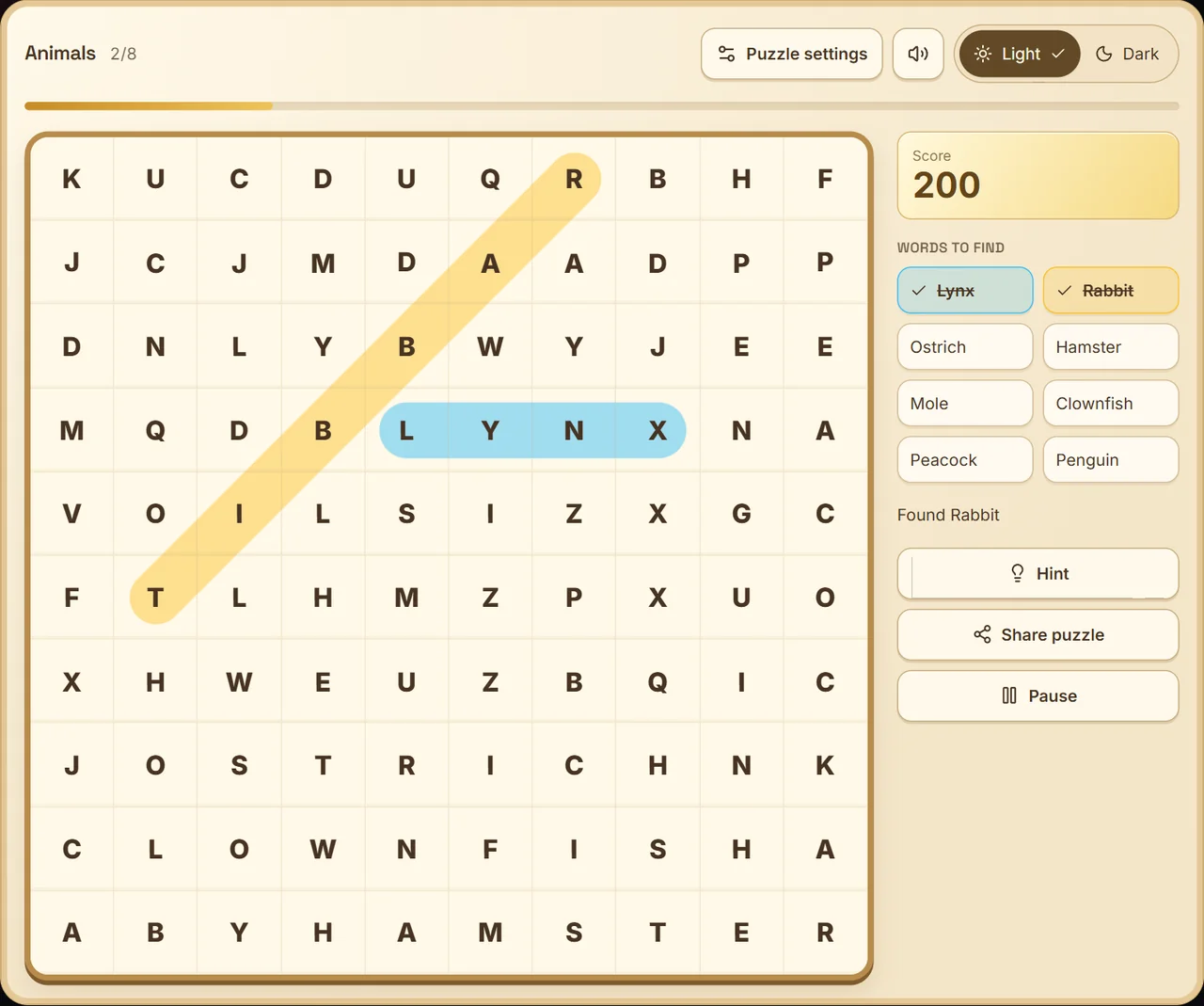
Actual gameplay: found words stay highlighted on the grid and crossed off in the list. Two solved words give 200 points before any hint deductions.
Work through this small example
Here is an original six-by-six demonstration. It is smaller than the grids in the game so you can check the whole example easily. Find CAT, DOG, SHEEP, FOX, HORSE, BIRD and MOUSE. Words in this example run right or down only.
| 1 | 2 | 3 | 4 | 5 | 6 | |
|---|---|---|---|---|---|---|
| 1 | C | A | T | R | B | M |
| 2 | D | O | G | L | I | O |
| 3 | S | H | E | E | P | U |
| 4 | F | O | X | N | A | S |
| 5 | H | O | R | S | E | E |
| 6 | B | I | R | D | W | T |
Try MOUSE first. Its first letter appears at row 1, column 6. There is no space to its right for four more letters, so check down. Read M, O, U, S, E without leaving that column. The answer ends at row 5, column 6.
Now try HORSE. The H at row 3, column 2 is a false start: right gives HEEP, and down begins HOO. Move on to the H at row 5, column 1. Reading right gives the complete word.
The remaining answers are CAT across row 1, columns 1–3; DOG across row 2, columns 1–3; SHEEP across row 3, columns 1–5; FOX across row 4, columns 1–3; and BIRD across row 6, columns 1–4. Checking a full candidate matters more than finding two promising letters.
Use a repeatable search pass
Choose one word from the list and inspect the grid row by row for its first letter. At each match, check the next letter in the permitted directions. If that matches too, continue along the same line. Reject the candidate as soon as a letter disagrees.
Finish checking that row before moving to the next one. This gives you a place to resume after an interruption. You do not need to remember the entire grid or look for every answer at once.
For a longer word, also check whether there is enough room. A seven-letter word cannot start two cells from the right edge and continue right. On a diagonal, both the remaining rows and columns must fit its length. This simple check can eliminate a direction before you read any further.
When one word is still missing
Use this checklist in order rather than starting another aimless scan:
- Read the list again. Check the exact letters, including a plural ending or doubled letter.
- Check the permitted directions. On Medium, include downward diagonals. On Hard, also check upward and reversed placements.
- Revisit highlighted cells. The remaining answer may cross one you already found.
- Inspect the outer rows and columns. Treat their starting letters just as carefully as the centre.
- Verify the complete line. A familiar beginning can still lead to the wrong ending.
- Use a hint if you want one. Continue the search from the marked starting cell.
For a backwards word, you can inspect possible starting letters and move left or up. You do not have to memorise the whole reversed spelling. Diagonal words also remain straight: they move one row and one column at each step, never around a corner.
Separate a search problem from a selection problem
If you can see the word but the game does not accept it, compare the start and end cells with the list. Make sure you selected the entire word and stayed on a horizontal, vertical or diagonal line.
On a touchscreen, try tapping the first letter and then the last instead of dragging. In our game, you can also move through cells with the arrow keys and press Enter to mark the start and end. Escape cancels an unfinished selection. These are alternative controls, not different puzzle rules.
The French grid removes accents, while the list retains the original spelling. Arabic grids remove vowel marks and normalise forms of alef. Follow the game's letter display rather than searching for an accent or mark that is deliberately absent.
Help a child learn the process
Choose Kids on the setup screen, keep Easy selected and use relaxed mode. The general Kids list uses words of six letters or fewer. Separate kids themes cover animals, school and nature.
Read the word list together first. Explain an unfamiliar word before asking a child to find it. Demonstrate one answer, then ask a specific question such as, “Where else can you see the first letter?” Let them choose whether to tap or drag.
Start with finding two words rather than demanding the whole grid. If the puzzle becomes frustrating, pause or choose a different theme. These are suggestions for sharing a game, not claims about educational or medical outcomes.
Add a timer only when you want a challenge
Our optional timed mode gives two minutes for 8 × 8, three for 10 × 10 and four for 12 × 12, independently of difficulty. Relaxed mode uses the same word search without a deadline. Help, puzzle settings and hiding the browser tab pause the clock; resume when ready.
The score is 100 points per found word minus 25 for each distinct word you request a hint for, with the displayed total never below zero. Repeating the same hint costs nothing extra. There is no speed bonus, so rushing a selection does not earn additional points.
To compare results with a friend, use Share so you both receive the same puzzle. Each person solves independently; there is no live multiplayer room or shared leaderboard. Comparing different random grids tells you less because their words and placements differ.
Questions that come up while solving
What is the fastest way to solve a word search?
There is no guaranteed fastest method for every grid. Start with a consistent scan for one word, reject impossible directions early, and check every letter before selecting. Notice which step helps you avoid repeating work.
Can words overlap or use a letter twice?
Different answers can share a cell. Within one answer, follow a straight sequence of cells. Do not bend the path to reach a letter somewhere else.
Do I need to find every word without a hint?
No. Decide what makes the puzzle enjoyable for you. A hint can show you where your search missed a possible start, which is useful when learning the controls or a new direction.
Choose a theme and practise on an Easy grid. If your group wants to act and guess together afterwards, try our charades ideas for game night.