
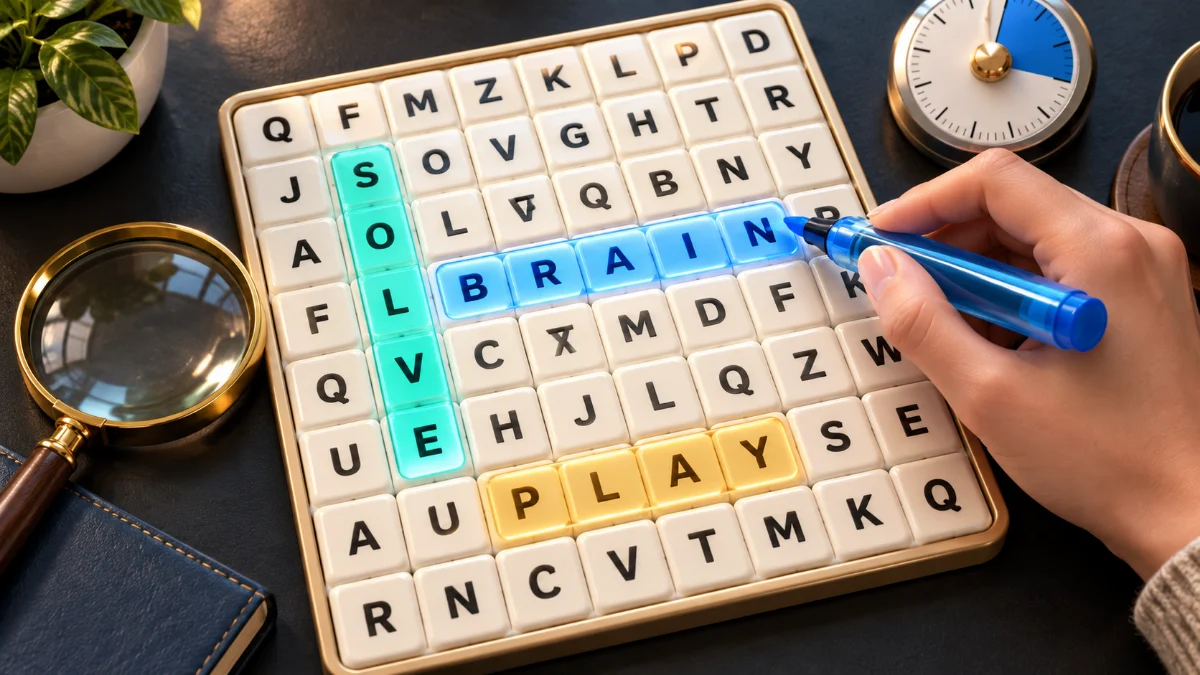
Find the last word with a clear search strategy
A worked puzzle example, mobile controls and practical ways to scan the grid.
Read the guide
Find hidden words, one line at a time. Choose a theme and play at your own pace, or try a timed challenge. Free in English, French and Arabic, with no account needed.
Choose a theme, find the words and finish the grid.
Choose one of twelve themes or Mixed themes, then pick difficulty and grid size independently. Try Easy on a 10 × 10 board for a longer puzzle without diagonals. Relaxed has no deadline; Timed allows two, three or four minutes according to board size.
Look at the word list, then find each word in a straight line. Tap its first and last letters, or drag between them. On a keyboard, move with the arrow keys and press Enter to select each endpoint. A correct selection marks the word as found.
Find every listed word to complete the puzzle. Each word earns 100 points, and the first hint for each word costs 25 points without taking your score below zero. Share copies a link to the same puzzle for a friend to solve separately. Pause whenever you need a break.
Choose Kids, Easy and an 8 × 8 grid for short, familiar words of up to six letters. English words run right or down, so beginners do not need to check diagonals or read backwards. Kids themes start without a deadline. Let a child read the list first, explain unfamiliar words and use a hint together if needed. The separate Animals, School and Nature kids lists let you choose a familiar subject.
Word Search is a solo break from our party games. You can solve a small grid while your group gets ready, or share one for a casual challenge afterwards. Nobody has to host a room or wait for another player to start.
Choose one word from the list and look for its first letter. Then check nearby letters in a straight line. On Easy, you only need to look right and down. If you get stuck, try a different word before using a hint.
Board size and difficulty solve different problems. An 8 × 8 board gives you fewer squares to scan, while 10 × 10 and 12 × 12 leave more room for a longer word list. Easy keeps the directions simple at every size. Medium is a useful next step when you want to practise diagonal searches; Hard asks you to check backwards too. Change one setting at a time so you can tell which challenge you enjoy.
A highlighted letter can still belong to an unfound word. When two words cross, start at a shared letter and check the remaining letters in a straight line. Do not turn the corner to follow the earlier highlight: each answer stays on its own horizontal, vertical or diagonal path. If a selection is rejected, check the entire spelling and both endpoints. Finding a nearby word does not remove letters from the board.
Advertisement
Yes. In each puzzle, find the words from the list hidden in a letter grid. Choose a theme and grid size, then select the first and last letters of each word. You can play without a timer or try a timed round.
Yes. Open the game in your browser, choose a theme and difficulty, and start. You do not need to register or install an app. The grid and word list work on a phone, tablet, or computer.
Choose difficulty and grid size separately. Easy uses across and down, Medium adds downward diagonals, and Hard includes all eight directions. You can play any level on an 8 × 8, 10 × 10 or 12 × 12 board. Larger grids contain more words; they do not force harder directions.
Yes. Use Share to copy a link, then send it to your friend. The link opens the same language, theme, size, and puzzle. You solve it separately: this is not a live multiplayer room, and your selections and progress are not shown on their screen.
Choose from twelve curated themes: Animals, Food, Nature, Home, Office Life, Football, Kids, Kids: Animals, Kids: School, Kids: Nature, Cars, and Countries & Cities. The English lists contain 619 category entries. A word can appear in more than one theme, so this is not a count of unique words. French and Arabic use independently curated native vocabulary; their lists are not word-for-word translations. Mixed themes combines the eight general lists with duplicates removed. Words are selected to fit the chosen grid.
The game tries to save progress in this browser on this device. Use Resume when a saved puzzle is available. Browser privacy settings can prevent saving, and clearing site data removes saved progress. It does not sync through an account or move automatically to another device.
Yes. Choose English, French or Arabic for words and instructions in that language. French accents and punctuation are omitted in grid cells. Arabic cells omit vowel marks and use ا for alef variants; the word list keeps the original spelling. Shared links preserve the puzzle language.
Timed games allow 120 seconds on an 8 × 8 grid, 180 on 10 × 10 and 240 on 12 × 12. Each new word earns 100 points. The first hint for each word deducts 25 points, stopping at zero. Repeating that hint is free, and there is no speed bonus. Relaxed mode has no deadline and uses the same scoring. The clock pauses for help, the setup menu or a hidden tab, and you resume when ready.
Start with Kids and Easy for short words of up to six letters. The focused Kids: Animals, Kids: School and Kids: Nature lists offer familiar subjects next. Kids themes default to Relaxed mode. Read the list together and explain new words before choosing a harder grid; the game does not assign reading ages.
A worked puzzle example, mobile controls and practical ways to scan the grid.
Read the guideFind hidden words, one line at a time. Choose a theme and play at your own pace, or try a timed challenge. Free in English, French and Arabic, with no account needed.