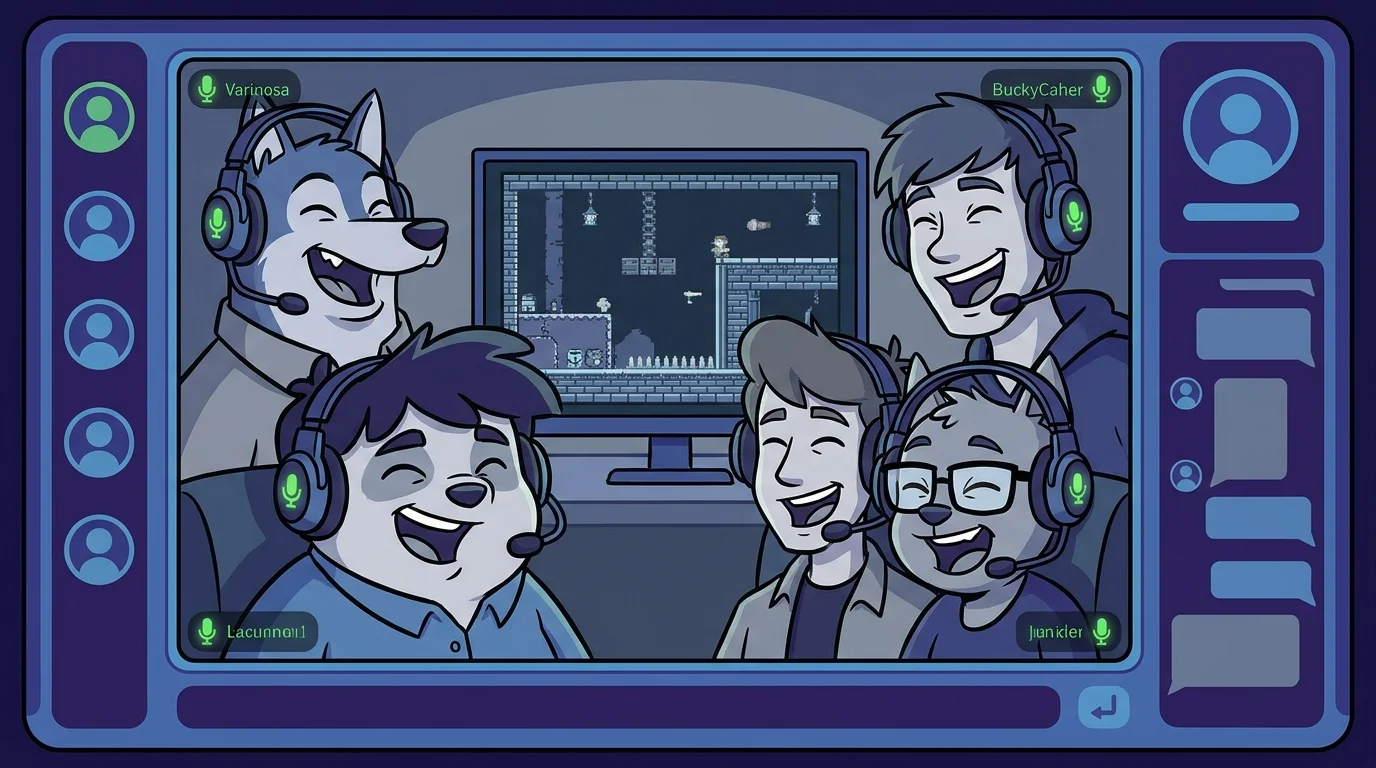
Discord voice calls are great. Discord voice calls with everyone playing a game together? Unbeatable.
Whether you run a gaming server, a friend group, or a study community, these are the best Discord party games you can play right now, free, browser-based, and ready in under a minute.
How to Play Games on Discord
You don't need Discord bots or paid Nitro games for a great time. The best approach:
- Start a voice channel so everyone can hear each other
- Share a game link in chat so everyone can join with one click
- Play in browser, each person opens the game on their own device
- React in real time on the voice call while playing
Use a shared room link for browser games that support it. Jackbox is different: the host shares its public game screen. Keep private role cards in deduction games off the stream.
1. Find the Imposter, Best for Discord Servers
Find the Imposter is the perfect Discord game because it runs entirely in the browser and the real-time reactions on voice chat make it absolutely hilarious.
How it works for Discord:
- One person creates an online room and posts the room code in your Discord chat
- Everyone joins on their own device with one click
- The game assigns secret words, one player (or more) is the Imposter with no word
- Players give one-word clues in order while everyone reacts on voice call
- Vote, reveal, chaos ensues
Why it works so well on Discord:
- The voice chat adds a layer you can't get from text alone, you'll hear people hesitate, laugh nervously, or go suspiciously quiet
- Supports 3–15 players per online room; split larger servers into multiple groups
- Private room links and host approval for join requests; there is no password field
- 40+ categories so you never repeat the same game twice
- Free, instant, no account required
The best part? When the Imposter is revealed on screen, the voice chat erupts. That moment of chaos and accusation is why people keep coming back.
Create a Discord Game Room, Free →
2. Skribbl.io
The go-to drawing game for Discord servers. One player draws a word; everyone else types guesses. The faster you guess, the more points you get.
Discord tip: Share your screen so the whole server can see the drawing evolve, pure comedy.
- Free, browser-based
- 2–12 players
- Custom word lists available
3. Gartic Phone
A telephone + drawing game where prompts and drawings get increasingly mangled as they pass through players. The reveal at the end is always hilarious.
- Free, browser-based
- 4–16 players
- Multiple game modes (animation, knock-off, etc.)
4. Kahoot
Best for Discord servers with a community or educational angle. The host creates a quiz and everyone competes to answer fastest. Works great for movie nights, sports trivia, or community lore.
- Free (limited), paid for advanced features
- Unlimited players
- Requires a host to prepare questions
5. GeoGuessr (Battle Royale)
Drop players into random Google Street View locations and see who can figure out where they are. The free Battle Royale mode puts everyone in the same location.
- Free tier available
- Competitive and social
- Works great for geography enthusiasts
6. Spyfall
One player is the spy; everyone else knows a secret location. Players ask each other questions and the spy must figure out the location without being caught.
- Free browser versions available
- 3–8 players
- Short, fast rounds
7. Jackbox (Screen Share)
The premium option. One person owns Jackbox and shares their screen on Discord. Everyone else plays on their phones at jackbox.tv, no download needed for the players.
- Requires one person to own the game (~$25)
- 2–8 players with up to 10,000 audience members
- Multiple games per pack
Setting Up a Regular Game Night on Your Discord Server
If your server plays games regularly, here's a simple structure that works:
Weekly Game Night Setup:
- Create a dedicated #game-night voice channel
- Pin the Find the Imposter link in your #games channel
- Rotate who chooses the game each week
- Keep a simple scoreboard in a channel description
Pro tip: Pin the Find the Imposter room creation link permanently: findtheimposter.com/game, anyone can spin up a room in 10 seconds and drop the code in chat.
Why Find the Imposter Wins for Discord
Most Discord games either require a bot, cost money, or only work with small groups. Find the Imposter checks every box:
| Feature | Find the Imposter | Jackbox | Skribbl |
|---|---|---|---|
| Free | ✅ | ❌ (paid) | ✅ |
| No download | ✅ | ✅ | ✅ |
| 20+ players | ✅ | ❌ (8 max) | ✅ |
| Works in browser | ✅ | ✅ | ✅ |
| Private rooms | ✅ | ✅ | ✅ |
| Real-time reactions | ✅ | ✅ | ✅ |
It's built for exactly this, groups of friends on voice calls, wanting to accuse each other of lying. That's Discord in a nutshell.